| 1. Tour data and departuresTour programmes, travel dates and seats left | Copy tour data and seats in by hand, never sure which file is the latest | Set a tour up as an ordinary product, then keep departures and seats left somewhere else | From the built-in tour catalogue: Search tour programmes and departures, see prices, seats left and deposit amounts, and put them on a quotation straight away. Seats are cut from the company's allotment per departure, and allotments can be set by agent level, in the system. |
|---|
| 2. Prices and travel datesAdult, child, infant and single-room prices | Complicated formulas that break easily when a departure or a price changes | A separate product code for each travel date and price, so the product list keeps growing | Prices by departure: Pull the adult, child, infant and single-room prices of each departure, and edit prices and lines in the document before saving without changing the catalogue. Your own tours can be priced by travel period (high and low season) with guide tips per person. Card payments are accepted, with the card fee posted separately. |
|---|
| 3. Deposit installments and payments dueBooking, middle and pre-departure installments | Relies on remembering the calendar. An installment coming due is easy to miss | Split the deposit by the tour's conditions by issuing a separate invoice for each installment by hand | Installments on the invoice: Split into several installments, each with an amount or percentage and a due date. A payment issues the receipt and posts the entry at once. Customers are reminded automatically before or after a due date by email, LINE or SMS, and the team is reminded when a supplier bill is coming due. |
|---|
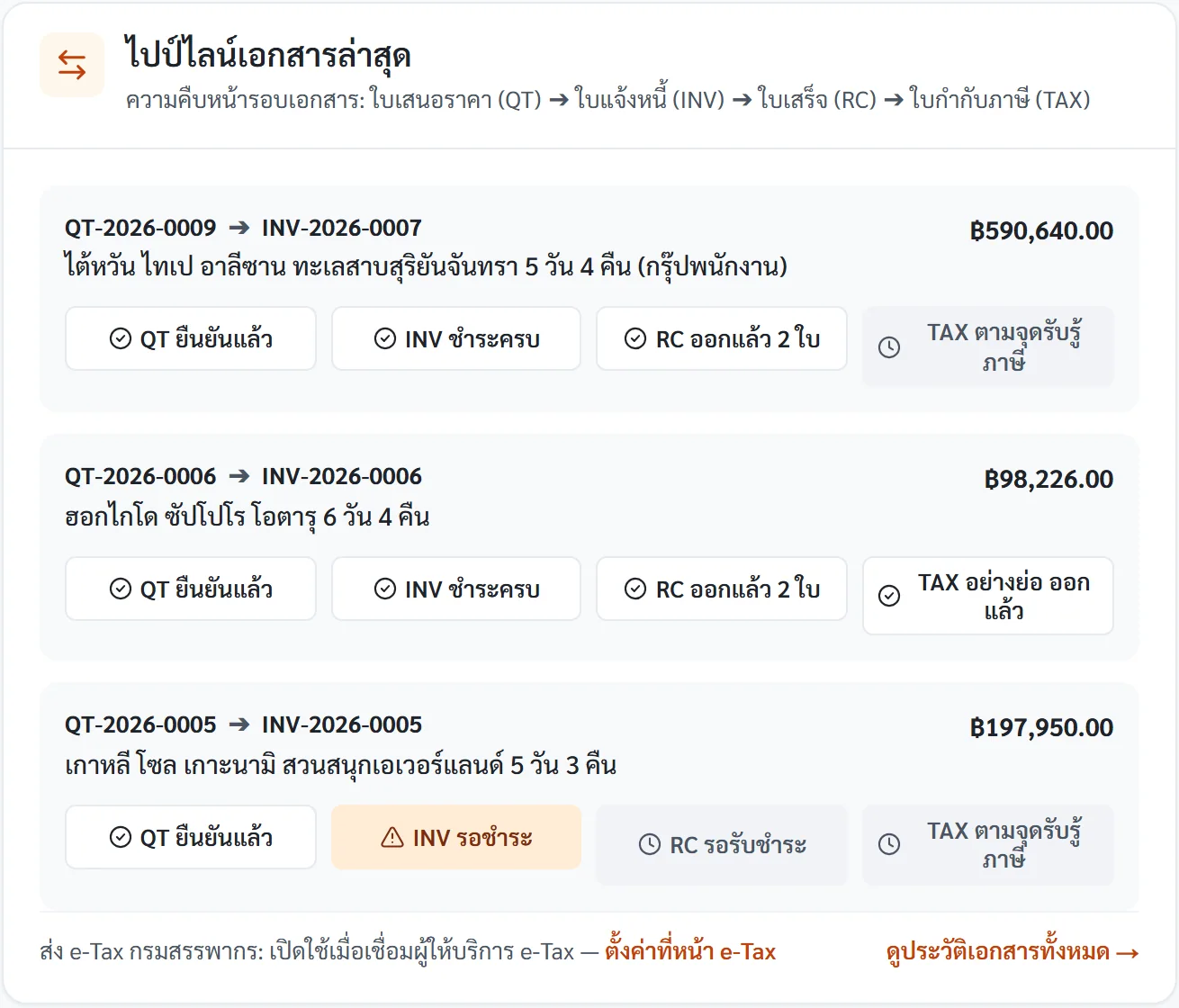
| 4. Sales document flowQuotation → invoice → receipt | Copy Word or Excel forms by hand, with a high chance of typing mistakes | Issues documents, but you type the tour data and traveller names in again | The next document from the same data: Lines, tour data, traveller names and PNR carry over to the next document. Check before issuing, and correct an issued document with a credit or debit note. Rules can create the next document automatically. e-Tax: XML export works today. Filing with the Revenue Department starts once the company connects an ETDA-certified provider |
|---|
| 5. Double entry and supplier costsWholesalers, air tickets, hotels, transport and guides | Not a double-entry system. Closing a profit and loss statement from files is hard | A general chart of accounts. Cost and profit per trip need extra codes or reports you build yourself | Double entry and profit per trip: A chart of accounts for tour businesses, with every entry balanced debit against credit. Costs are split by supplier type, each trip shows its profit, and withholding tax is deducted with its certificate (50 Tawi) issued in the system. |
|---|